
The Role of Technology in Early Childhood Education: Enhancing Learning in Playschool
Technology in early childhood education can be a powerful tool to make learning more engaging, interactive, and personalised when used thoughtfully and in moderation. In a playschool setting, the right digital tools can support language, math, creativity, and social skills while still keeping play, movement, and hands-on exploration at the centre.
What does “technology” mean in a playschool?
In a playschool, technology is not about long hours on screens or replacing teachers. It is about using age-appropriate tools that add value to children’s natural curiosity and play.
Common forms of technology in early childhood education include:
- Tablets with carefully selected educational apps
- Interactive whiteboards and digital displays
- Audio devices for songs and stories
- Simple coding and robotics toys for preschoolers
When integrated well, these tools become a part of the learning environment, just like blocks, books, and art materials.
Benefits of technology in early childhood education
Technology in early childhood education can enhance, not replace, traditional learning methods. Used wisely, it supports development across multiple domains.
Key benefits in a playschool setting:
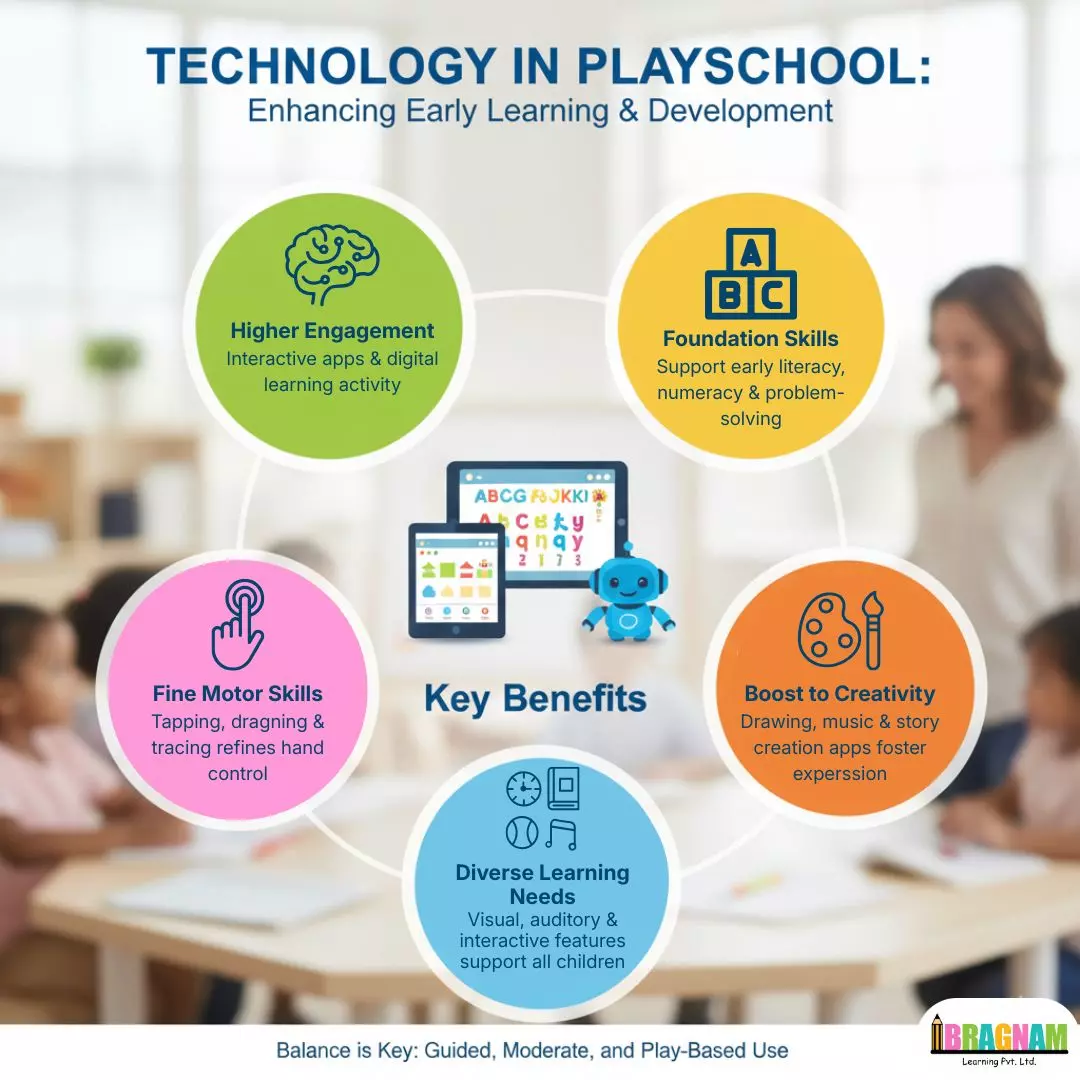
- Higher engagement: Interactive apps, digital stories, and touch screens invite children to participate actively rather than passively watch.
- Support for early literacy and numeracy: Phonics games, alphabet tracing, counting apps, and simple puzzles build foundational skills in a playful way.
- Development of fine motor skills: Tapping, dragging, tracing shapes, and writing on interactive boards help refine finger and hand control.
- Boost to creativity: Drawing apps, music tools, and story-creation software encourage children to express ideas in new formats.
Technology can also support children with different learning needs through visual, auditory, and interactive features.
Practical ways to use technology in a playschool classroom
Interactive whiteboards and digital displays
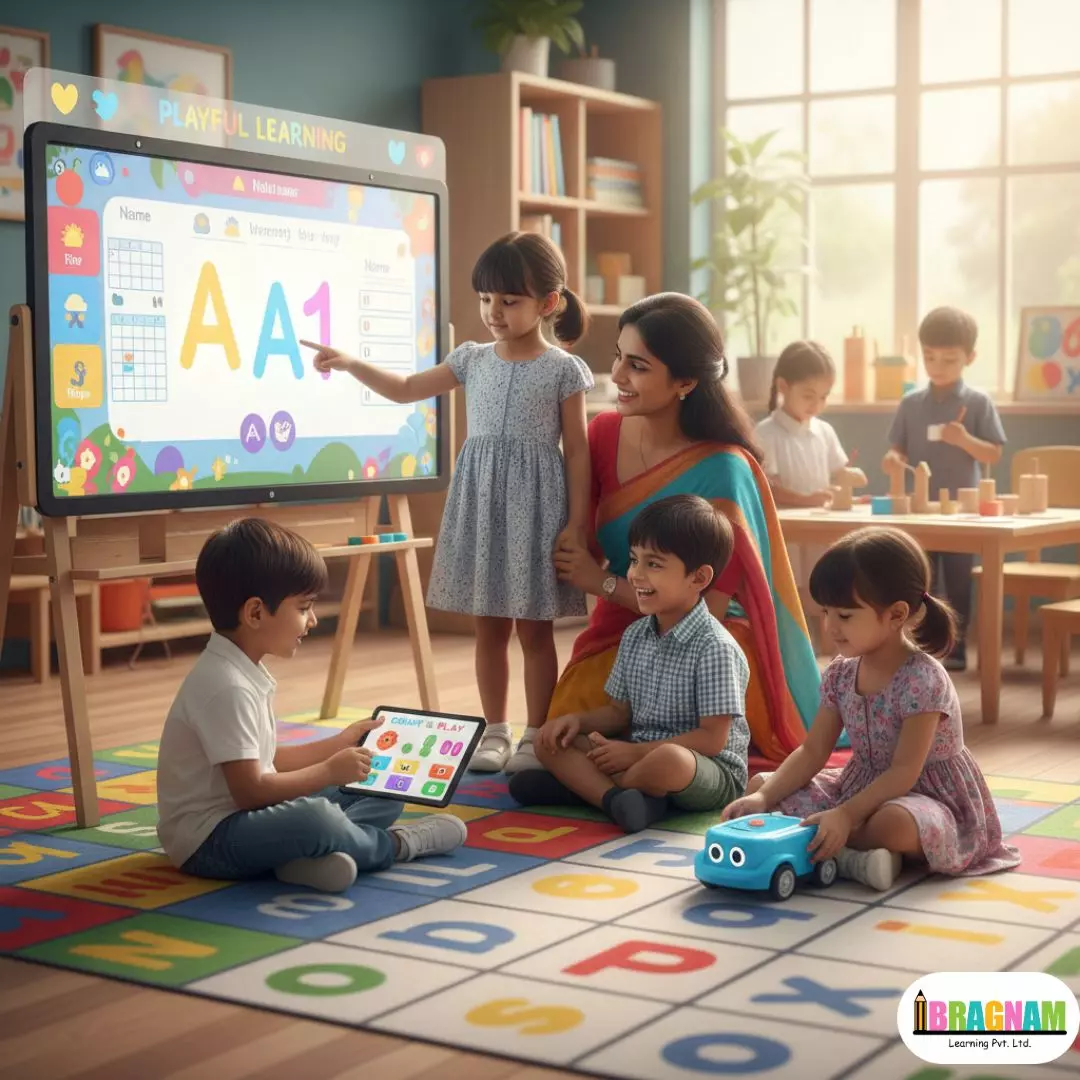
Interactive whiteboards are excellent for group learning and keeping children involved. They work best when they are used as a large, touchable “canvas” for learning, not just for showing videos.
Playschool teachers can use interactive boards to:
- Run morning meetings with calendar, weather, name-writing, and letter-of-the-day activities.
- Conduct read-aloud sessions where children help turn pages, circle letters, or act out parts of the story on screen.
- Play interactive math and literacy games where children come up one by one to match shapes, count objects, or sort pictures.
Tablets and educational apps
Tablets are powerful tools in early childhood education if screen time and content are carefully controlled. They are best used for short, focused activities in small groups or one-on-one.
Examples of effective tablet use in a playschool:
- Literacy apps: Interactive storybooks, phonics games, and letter-tracing apps that respond to children’s touch and voices.
- Math and logic apps: Counting games, pattern-making, shape recognition, and simple problem-solving puzzles.
- Creative tools: Drawing, colouring, music-making, and story-creation apps that let children design characters, record voices, or compose simple tunes.
Teachers should always pre-check apps to ensure they are ad-free, age-appropriate, and aligned with learning goals.
Digital storytelling and audio resources
Digital storytelling blends images, audio, and text to bring stories to life for young children. Children can listen, watch, and even help “build” the story.
Ways to use digital storytelling in early childhood education:
- Play audio storybooks while children follow along with print books or images on a screen.
- Let children record their own voices to narrate short stories, rhymes, or role-play dialogues.
- Use photos or simple drawings from classroom activities to create class “digital books” about field trips, festivals, or projects.
These activities build vocabulary, listening, and confidence in communication.
Coding toys and robotics in early childhood education
Simple coding and robotics toys, designed for preschoolers, bring early computational thinking into playful experiences.
In a playschool, teachers can:
- Introduce floor robots or coding toys where children press arrows to move the toy to a picture or letter on the mat.
- Set up problem-solving challenges like “help the robot reach the red block in three steps.”
- Encourage teamwork as children discuss and plan the robot’s path together.
These activities support logical thinking, sequencing, and collaboration without needing children to “use” a screen directly.
Balancing technology and play: healthy screen time habits
In early childhood education, balance is critical. Young children still need plenty of physical play, outdoor time, social interaction, and hands-on exploration.
Key healthy-use principles for technology in a playschool:
- Limit total screen time: WHO guidance suggests no screen time for children under 1, and for ages 2–4, sedentary screen time should be kept to about an hour a day or less, with less being preferable.
- Prioritise active use over passive watching: Choose activities where children touch, think, respond, and talk rather than simply watching videos.
- Encourage movement breaks: Blend tech time with songs that involve actions, brain breaks, or movement games so children are not sitting for too long.
Playschools can also share screen-time guidelines with parents to support healthy habits at home.
Supporting teachers and parents through technology
The role of technology in early childhood education is not limited to children’s apps and tools. It can also strengthen communication and coordination among teachers and families.
Useful ways to use technology for adults in a playschool ecosystem:
- Parent communication apps: Share photos, daily reports, announcements, and learning updates in a secure digital space.
- Digital portfolios: Maintain records of children’s work—photos of activities, voice notes, videos—which can be reviewed during PTMs.
- Online training for teachers: Access webinars, short courses, and resources on early childhood education and safe tech use.
When adults are confident and informed, technology becomes safer and more meaningful for children.
Safety, guidelines, and responsible use
To make technology in early childhood education safe and developmentally appropriate, playschools need clear rules and supervision.
Important safety measures:
- Always use devices under adult supervision; children should not access open web content.
- Disable in-app purchases, pop-up ads, and irrelevant notifications on classroom devices.
- Choose tools with strong privacy policies and no requirement for children to share personal data.
Regularly reviewing tools and involving parents in discussions about technology helps maintain trust and transparency.
Conclusion: Technology as a supportive partner in early learning
Technology in early childhood education works best when it supports, not replaces, play-based learning and warm human relationships. In a playschool setting, thoughtful use of interactive whiteboards, tablets, audio tools, and coding toys can make concepts clearer, lessons more engaging, and communication with parents stronger—while still keeping children active, curious, and joyful.
When playschools follow clear screen-time guidelines, choose quality content, and keep experiences playful and hands-on, technology becomes a powerful partner in building strong early foundations.
FAQs: The Role of Technology in Early Childhood Education
1. Is technology really necessary in early childhood education?
Technology is not mandatory, but it can significantly enrich early learning when used in short, purposeful activities that match children’s developmental levels. It offers interactive, visual, and auditory experiences that can strengthen literacy, numeracy, and problem-solving skills.
2. How much screen time is safe for playschool children?
WHO recommends no sedentary screen time for children under 1 year and no more than about 1 hour per day for children 2–4 years old, with less being better. Playschools should use technology in brief, high-quality sessions and combine it with plenty of physical play, art, and outdoor activities.
3. What types of apps are best for preschoolers?
The best apps for early childhood education are ad-free, age-appropriate, and focused on active learning—such as interactive storybooks, phonics games, early math puzzles, and creative drawing or music tools. Apps should encourage children to think, respond, and create rather than passively watch.
4. Can technology harm young children’s development?
Excessive or unsupervised screen time can contribute to reduced physical activity, weaker social interaction, and attention difficulties. However, when screen time is limited, supervised, and focused on high-quality educational content, technology can support healthy development.
5. How can playschools involve parents in technology use?
Playschools can use communication apps and digital portfolios to share photos, videos, and updates on children’s learning with families. They can also share simple screen-time guidelines and app recommendations so that technology at home supports, rather than conflicts with, classroom practices.